%20(2).png)
7 min
SaaS Product Design Agency Pricing: What to Expect in 2026
What does SaaS product design agency pricing look like in 2026? Real US benchmarks for audits, redesigns and retainers, plus the costs quotes leave out.
Read More


Published
June 25, 2026
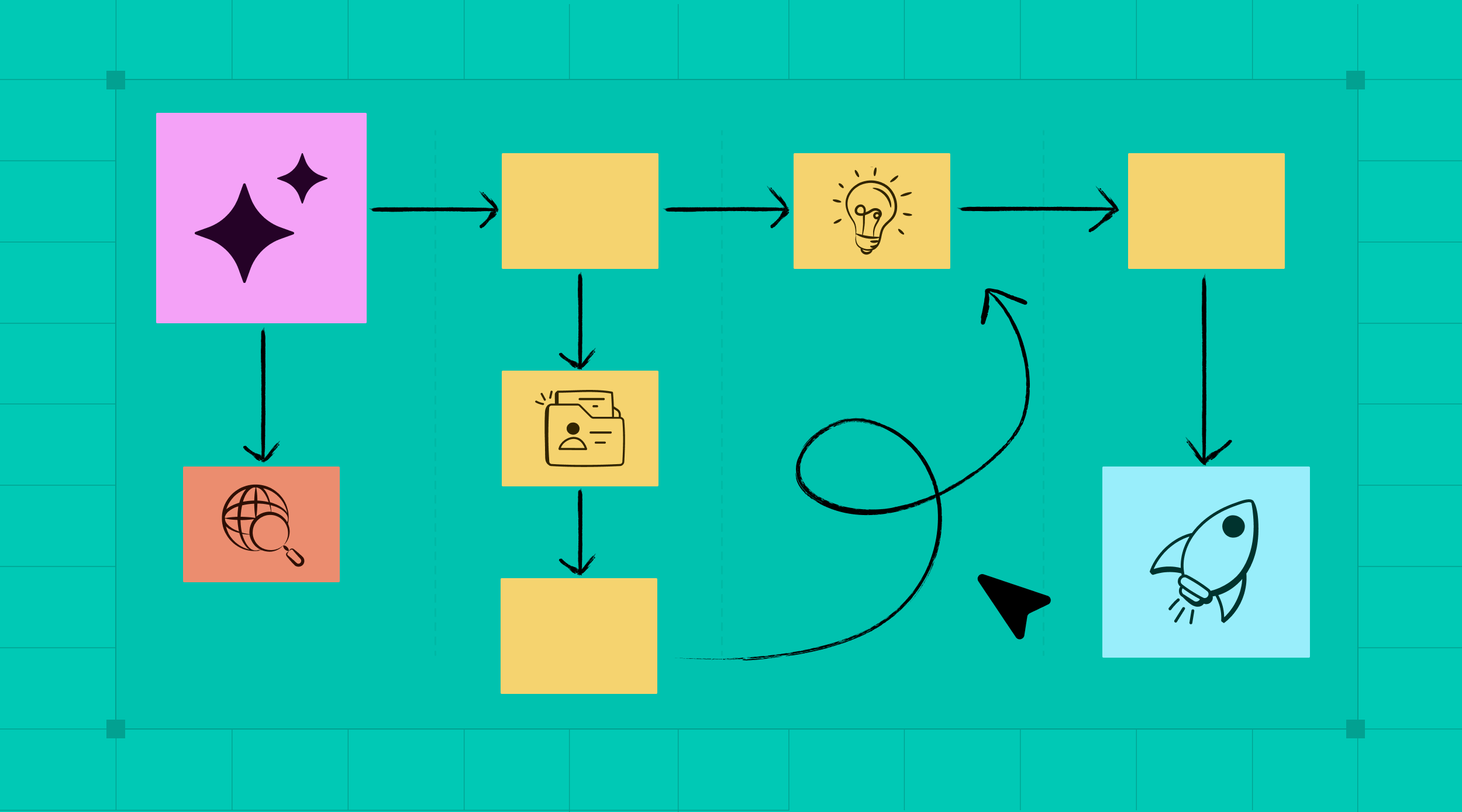
AI-Assisted Product Design Changes What Designers Do
A speech analytics platform we designed had more interface states than any team should track from memory. Empty, error, loading, every permutation across multiple roles.
So we built a check into our process. We hand the full use case to an AI model and have it list every state the design has to cover, then we work through it.
That is the part of AI-assisted product design nobody tells you. Not speed. Completeness.
Everyone Sells AI as Speed. Speed Is the Trap.
Every pitch about AI-assisted product design leads with speed. Faster drafts, faster handoff, faster shipping.
We feel it too. Work that used to take two to three weeks now reaches the client in a week.
But speed is not where the risk lives in SaaS product design.
The risk lives in everything you forget. A complex SaaS screen is not one design, it is a dozen states: the empty one, the error one, the loading one, the one with a thousand rows and the one with none.
Miss a few and the product feels broken in exactly the places real users live.
Going faster does not fix that, it makes it worse. Research from the Nielsen Norman Group on AI-assisted prototyping makes the same point, that the speed is real but it can mask flaws. You ship the gaps sooner.
The danger in SaaS design was never moving too slowly. It was shipping something incomplete and calling it done.
For years the only defense was a designer's memory and a long QA pass after build. Both fail quietly. You do not notice the missing error state until a user hits it.
That is the problem worth solving. Not how fast you can draw the happy path, but how reliably you can account for everything around it.
AI's Real Job Is to Remember Everything You Don't
Most people frame AI-assisted product design as a faster way to produce. Treat it instead as a second memory that never gets tired and never assumes the happy path is the whole story.
A designer under deadline forgets things. Not from carelessness, but because a dense product has more states than any person holds in their head at once. That is a human limit, and it does not go away with experience.
AI does not share that limit. Hand it the use case, the rules, and the screens you have so far, and ask a blunt question, what am I missing.
It will name states, interactions, and empty cases you had not written down yet.
This flips what the tool is for. It is not there to design the screen for you. It is there to make sure the screen you designed is actually complete.
The same move works on feedback. Feed it the meeting notes and it remembers the one small client request you would have dropped between the call and the build.
The work does not get faster. It gets whole.
Five Places AI Caught a Gap We Would Have Shipped
None of these are about speed. Each is a time AI found something we missed, or removed a dependency that would have stalled the work.
1. The platform with too many states to track
On a speech analytics platform, the interface had more UI cases than we could hold in our heads. The client and developers kept flagging missing states even after we thought we had been thorough.
So we fed the project details, the rules, and our current designs to AI and asked which states a given use case still needed. It surfaced the gaps before the next review, and the back-and-forth dropped sharply.
2. The feedback that used to fall through the cracks
We used to lose small things between a client call and the build. One minor request, noted in passing, gone by implementation.
Now the meeting notes go straight to AI, and it flags the point we would have dropped, along with any states or interactions we left open. Nothing important rides on memory anymore.
3. The users we could not talk to
On one product we had no direct access to the people who would use it, in a market whose conventions we did not share. Instead of guessing, we used AI to pull from research that already existed, down to specifics like which time format that audience expects.
You do not need a fresh interview for every question. A lot of the answer is already documented, and AI is good at finding it.
4. The brand-new business with no images
A new venture came to us with no photography of its own, nothing to anchor the visual design. We generated clean, realistic imagery that matched the exact persona we were designing for, the right people, the right tools, the right setting.
What used to mean a stock-photo compromise or a shoot it could not afford became a same-day asset. The look held together from the first screen.
5. The module that had to ship in two weeks
We once got a full PRD with a brutal timeline, one week to design and one to build. Rather than re-derive the flow by hand, we handed the entire PRD to an AI model and got a working prototype back.
From there the design work was replication, not invention. We spent the week refining screens instead of reconstructing logic the PRD already contained.
How to Run AI-Assisted Product Design for Completeness
If completeness is the goal, here is how we actually work.
1. Ask AI what you are missing before you call a screen done
Make this a required step, not an afterthought. Hand the model your use case and current screens and ask it to list every state, interaction, and edge case you have not addressed. You will get back the empty states, error paths, and high-volume cases that are easy to skip, and you treat that list as a checklist rather than a suggestion.
2. Show interactions before you build them
A static frame cannot prove how a table scrolls or how navigation behaves, so the team approves a picture and discovers the truth in development. Generate the interaction instead and put it in front of the client and the developers early. They tell you what feels right and what is realistic to build while changing it still costs minutes.
3. Guide AI with the problem, not your solution
When you already hold a fixed idea of the flow, you will steer AI toward it and miss what else was possible. Give it the problem, the users, and the requirements, and leave your answer out. It often returns an approach you had not considered, and often that one is stronger than the one you walked in with.
4. Hand developers a working reference, not just a spec
A spec describes behavior and a working mockup demonstrates it, and developers build faster from the second one. Give them an HTML version they can inspect and they stop interpreting your intent and start matching it. On our projects the clearest feedback was developers telling us the reference cut their implementation time.
5. Let AI remove the dependencies that stall you
When you are blocked on assets or access, AI is often the way through. Need a specific icon style you saw somewhere, generate it in high resolution instead of combing through libraries. The same logic covers missing imagery and hard-to-reach users, a missing input no longer has to stop the work.
6. Spin up variations to decide, not to decorate
Once a base mockup exists, generating color and layout variations is nearly free. Use that to put two real options in front of the buyer and make the call with evidence instead of opinion. The goal is not more screens, it is a faster route to the one screen everyone can defend.
Start With the Screen You Think Is Finished
Pick a screen on your current project that you believe is done. Open it next to your use case and ask AI one question, what states, interactions, and edge cases am I missing here.
You will get a list. Some of it you will have covered, and some of it you will not, and that second part is the whole point.
Do the same with your last client call. Put the notes in and let AI tell you what is still open against the design. The small dropped request is usually hiding right there.
None of this is about replacing your judgment. You still decide what matters and what to cut. AI just makes sure the decision is made on purpose instead of by omission.
Bottom line. AI-assisted product design earns its keep not by drawing the happy path faster, but by accounting for everything around it before a user ever finds the gap. Completeness is the advantage, and it is one you can claim on your very next screen.
If your team is shipping data-heavy SaaS and states keep slipping into production, that is the work our AI product design team does every day. Start with the screen you think is finished.