%20(2).png)
7 min
SaaS Product Design Agency Pricing: What to Expect in 2026
What does SaaS product design agency pricing look like in 2026? Real US benchmarks for audits, redesigns and retainers, plus the costs quotes leave out.
Read More


Published
June 19, 2026
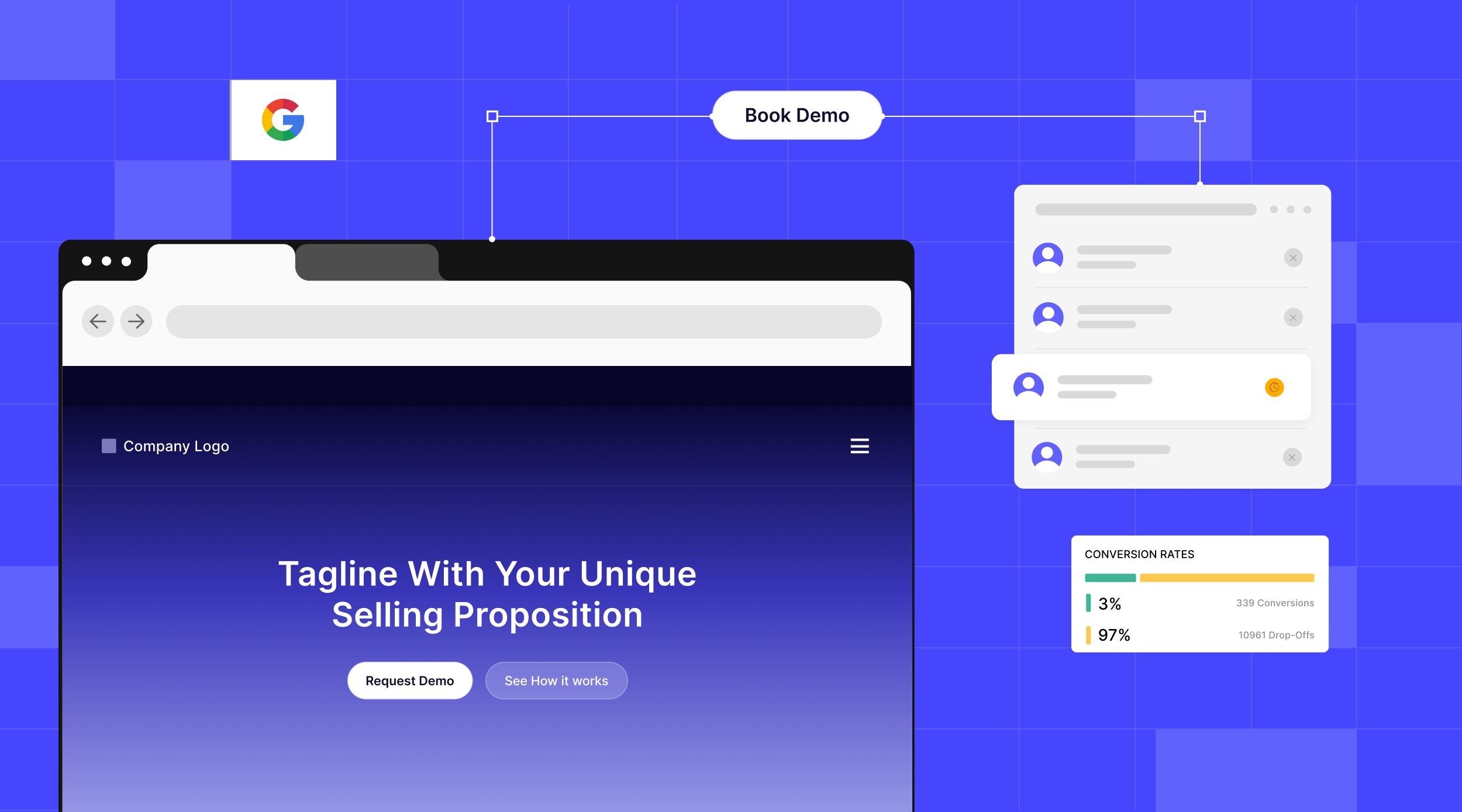
Most companies assume their SaaS landing page isn't converting because of traffic, design, or copy.
In reality, why SaaS landing pages don't convert is often something much simpler. The website makes the company look smaller, less experienced, or less capable than it actually is.
We saw this firsthand while redesigning the website of a finance operations partner serving nonprofits. The company managed finance operations for organizations far larger than what the website suggested. Visitors were seeing a small service provider when they were actually looking at a highly experienced strategic partner.
That gap between perception and reality is one of the biggest reasons landing pages fail to convert.
Underselling is not a copy problem you can polish away. A page can be well written and well designed and still describe the wrong thing. It lists what the company does, but never shows who the company is.
A buyer reading a feature list cannot tell whether you can handle a company their size, or whether you have done this a hundred times before.
That gap has a cost. Research on B2B buying is consistent that trust is the precondition for everything else, and that buyers decide whether your firm is credible before they ever fill out a form. A page that looks junior makes a serious buyer assume the work is junior too.
A page that describes what you do, not who you are, will always read smaller than the company behind it.
This is why polish alone does not fix conversion. You can sharpen every sentence and the page still signals small vendor, because it never establishes scale, judgment, or proof.
The buyer is not confused about your features. They are unconvinced about your stature.
The fix is not more words. It is different evidence: show the size of the problems you own, the clients you serve, and the results you have delivered, and the same buyer reads you as a peer.
Most teams treat trust signals as decoration: logos in the footer, a testimonial slider three screens down, a badge near the form. Proof becomes something you add once the pitch is done.
Trust is not a section. It is the through-line of the whole page.
A trust signal is anything that answers the buyer's real question, which is not what does this do but can I hand this to you and stop worrying about it. Scale answers it, a named result answers it, proof that you understand their world answers it. A five-star quote from a company nobody recognises does not.
So stop treating proof as a tax you pay near the button. It is the argument itself, which means every claim should arrive with the evidence that makes it believable, in the same eyeline.
A buyer who sees you already run this for companies like theirs does not need convincing. They have watched you do it.
Here is how that redesign went. The firm ran accounting, payroll, reporting, and the systems behind it, as an outsourced finance department, not a tool. Everything about the operation was substantial except the website.
The buyer was a nonprofit director, non-technical, stretched thin, and wary of one more pitch. They needed to know one thing before reaching out. Can this team handle an organization like mine.
The client put it bluntly. The site was not even thirty percent informative about the work they actually did. It led with a list of services and buried the scale, the expertise, and the partnership behind it.
It read like a vendor you hire for a task, not the advisor you trust to run your finances. So we scrapped the services-first approach and started showing who they are, not just what they do.
We led with the outcomes a director cares about and the organisations the firm already finances. We moved real case studies, with the actual challenge and the result, onto the landing page itself, where the doubt lives.
The category had a sameness problem, too. Finance operations partner websites tend to look generic and corporate, which makes a seasoned firm indistinguishable from one founded last year. So we used storytelling, illustrations, visual frameworks, and short interactive pieces to make complex operational work easy to follow, which on its own made the firm look more capable than its rivals.
We also made the full range of services discoverable instead of buried, and we mapped the operating path, the steps a client actually moves through. A director could finally see what the firm did, how the work would run, and where their team would fit, without emailing to ask.
We rewrote the page to beat the real alternative, the board deciding to hire in-house, by arguing for partnership over headcount. The result was qualitative but clear. The right buyers stopped bouncing and started reaching out, because the page finally looked like the company behind it.
The lesson generalizes to any SaaS page. Buyers rarely reject you for a missing feature. They reject you for looking too small, or too generic, to trust with what matters.
These are the gaps we look for first, in order. None of them start with traffic. Each one is a place where a capable company ends up looking smaller than it is.
1. Lead With Scale, Not a Service List
Open by showing the size of the work you take on, not an inventory of features, because a buyer deciding whether you can handle their company reads a feature list as proof that you are small. Name the organizations you already run this for and the outcomes you own before you list a single capability. Stature first, specifics second.
2. Put Stature-Proof Where the Doubt Is
Proof of scale and track record belongs next to the ask, not behind a case studies tab. A skeptical buyer forms a verdict before they go looking for evidence, so put one real result, a recognizable client, or a number that signals you operate at their level right where they decide. A generic testimonial does not move a serious buyer, proof of stature does.
3. Answer the Reassurance Questions Before the Form
Buyers do not fill out a form until three quiet questions are answered: can they handle an organization like ours, do they understand our world, can we trust them with something this important. If the page leaves any of those open, the form stays empty no matter how clean the design is. Answer them in the copy, with proof, before you ask.
4. Position Against the Real Alternative
Your competition is usually not the other tool in the comparison grid. It is the buyer deciding to build it in-house or do nothing at all. Write the page to win that decision by showing why partnering with you beats hiring and managing it yourself, because that is the choice the buyer is actually weighing.
5. Sell the Partnership, Not the Transaction
A page that reads like a service menu makes you a vendor someone rents for a task. A page that shows judgment, process, and a point of view makes you a partner someone trusts for years, and buyers pay more and stay longer for partners. Show how you think about their problem, not just the deliverables you hand over.
6. Make the Complex Legible, or You Vanish Into the Category
In a category where every site looks the same, the generic corporate template makes a seasoned firm look interchangeable with one founded last year. Use storytelling, illustrations, visual frameworks, and small interactive pieces to make your most complex work easy to grasp. A buyer who finally understands what you do, and sees that you bothered to explain it, reads that as competence.
7. Make the Whole Offer Discoverable, and Show the Path
If buyers have to dig to learn what you do, most will not bother, and the half of your offer that stays hidden never enters the decision. Surface the full range near the top, and show the path a client moves through so they can see how the work actually runs. Layer it so a first-timer is not buried and a researcher can still go deep.
The pattern is not unique to nonprofit finance. We have seen the same gap sink very different pages.
One was an investment platform built for high-net-worth clients. The page was polished and the copy was clean. It still struggled, because it read like an early-stage product rather than a firm you would trust with serious money.
Wealthy clients and the advisors who screen tools for them do not move on polish. They move on signals of scale, rigor, and track record, none of which the page offered.
We did not rewrite the value proposition. We changed what surrounded the ask, moving proof of the assets handled and the caliber of clients served up next to the primary action.
The copy had always been competent. What changed was the stature the page projected when a cautious buyer decided whether to trust it. Same root cause, different industry.
Open your own landing page and read the top of it as a stranger who has never heard of you, then ask one question. Does this look like a company that can handle me. If the honest answer is maybe, or smaller than I need, that is your leak.
Then do an inventory. List everything on the page that signals scale, proof, judgment, and the breadth of what you do, and count how much of it sits above the fold next to your main call to action. For most pages the answer is almost none, and that is the gap to close first.
Fix the stature before you fix the polish. Move a real result up, name the clients you serve, and surface your full scope. State plainly why you beat the in-house option, then worry about visual polish and more traffic.
Bottom line, most of the time why SaaS landing pages don't convert is not a traffic or design problem. The page is describing what you do when the buyer is trying to figure out who you are. Close that gap and the right buyers stop bouncing and start reaching out.
If your page looks smaller than the company behind it, that is the work our B2B website design team does every day. Start there, not with another redesign that polishes the same message.